NixOS
Table of Contents
NixOS
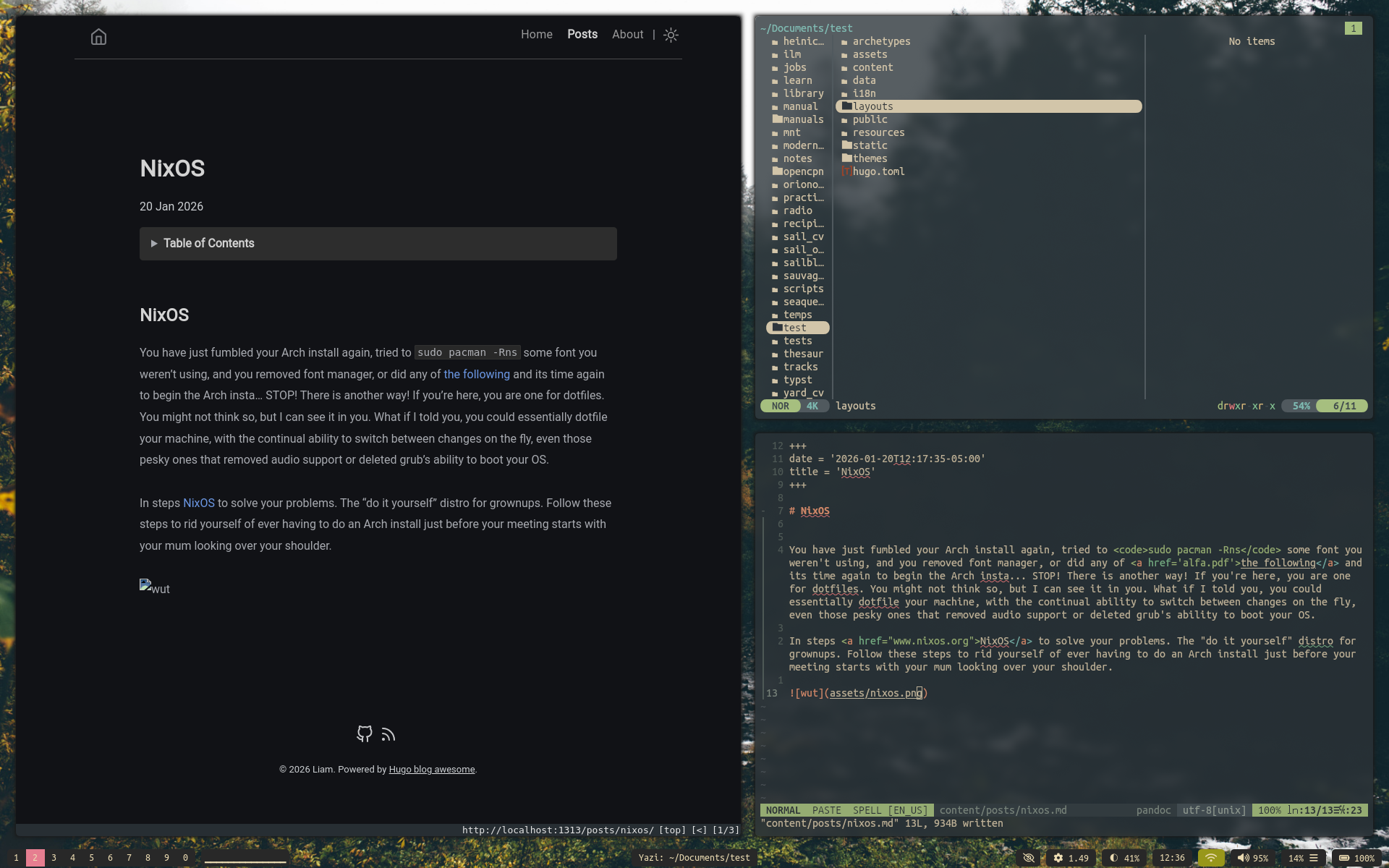
You have just fumbled your Arch install again, tried to sudo pacman -Rns some font you weren’t using, and you removed font manager, or did any of the following and its time again to begin the Arch insta… STOP! There is another way! If you’re here, you are one for dotfiles. You might not think so, but I can see it in you. What if I told you, you could essentially dotfile your machine, with the continual ability to switch between changes on the fly, even those pesky ones that removed audio support or deleted grub’s ability to boot your OS.
In steps NixOS to solve your problems. The “do it yourself” distro for grownups. Follow these steps to rid yourself of ever having to do an Arch install just before your meeting starts with your mum looking over your shoulder.
I, regretfully so, actually put this to the test the other day. I may make a blog style page on this site somewhere and if so, I will link a more detailed story here. But I dd'd my install the other day on accident making a Ubuntu USB of all things. I was on the phone and in a rush and I ran doas dd if=down/ubuntu.iso of=/dev/nvme0n1 which nvme0n1 is my actual hard disk. This finished in literally two seconds, which I thought was an error so I ran it a few more times then realized what I had done. After a restart, my computer was the Ubuntu live cd.
Not to worry though, once I dd'd a proper NixOS unstable ISO onto the USB, I literally booted into NixOS, re-partitioned my disk (I just have one for / lol and no more) and then pasted my config in and did "nixos-install", rebooted, downloaded home manager which takes one command, then git cloned my dot files and did home-manager switch and literally in 15 minutes I had a 100% working copy of my this install. I no longer fear the drift and that weird feeling you get where your install of 6+ months is a patch work and it would never work exactly the same again
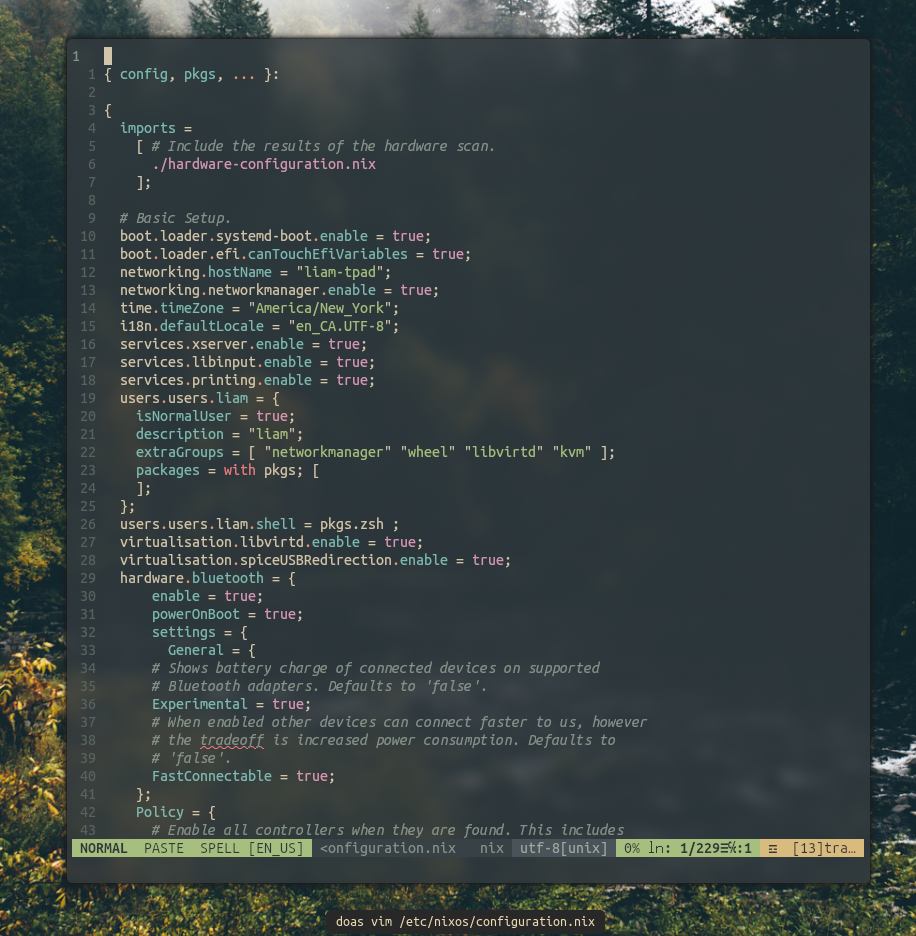
This is where things need to be improved. You can of course still copy or use these configs, though the install process is pretty diy.
sudo dd if=/dev/null of=/dev/sdayour machine- Download NixOS and make a bootable USB. Feel free to use the Gnome version or whatever, what is actually installed is based entirely off of what is in
/etc/nixos/configuration.nix git clone https://github.com/mahallow/thinkdots.gitin the home directory or wherever on the live instance of Nix you're running- Go through the NixOS manual on partitioning, formatting, mounting, then creating the default configuration
- Open up both the default configuration and the one from the git repo
- Change the name of the drive and wifi and ethernet cards in the configuration from the repo to match that which were auto generated. Also change your username unless you're also a Liam
- Delete default config, place new one in same folder.
nixos-install
At this point you will have a functional install! To get anything to look normal though, once you reboot you will want to clone the repo again and put everything in your ~/.home folder. Logout, back in and bam.
General Usage
There is no browser by default in the config. In the screenshot I am using QuteBrowser, for which there are theme config files in the repo. You can either add that to the configuration.nix or nix-shell -p qutebrowser to make it useable in your current terminal session. If you were bold enough to decide home-manager was for you, you can add it to ~/.config/nixpkgs/home.nix as I have above and do a home-manager switch. This works in the same way NixOS does, but just for user defined programs. This can also be used on other distros or even MacOS which is pretty cool.
Wallpapers are set with Nitrogen, restored in the Xmonad.hs file on startup. I have included only the apps used to get the config working out of the box.
Also to note, you may try and edit your config and go for the classic sudo nixos-rebuid switch and find that you cannot. Not to worry, your user should be set to do administrative tasks, just with doas. Command sudo cannot be found.
There are also a few different XMobar configs included. Feel free to change between them by: 1. rm .xmonad/xmobar/xmobarrc 2. ln -s {choose one} xmobarrc 3. Then recompile/restart XMonad with mod/super + Q
So there you have it, you should now have a totally functioning and reproducible NixOS build.
What comes next
I am now currently using a combo of nix-env and the configuration file in /etc/nixos/ to install applications. This is great and all, but the further apart they become the further the setup comes from being entirely reproducible. There are some possible options here.
- Start using home-manager. This is a cool idea but I am not sure how it integrates into the already configuration.nix. I do not want to have to do an install of configuration.nix, then manually setup home-manager, then pull down the rest of the home-manager configs. If this can be made to happen automatically in configuration.nix at the time of initial installation, count me in.
- Start separating out packages from the configuration.nix into their own file in /etc/nixos/ and then just import the file. This seems easier, and might be the way to go. Though I will loose the easy install for user only.
Awyway, thats it for now! I will likely add some cool photos here in the coming days.
Home-Manager and package management
So I am now trying to get into the nix home-manger as a way to make the individual user based packages part of the setup that can be cloned and applied to a new fresh NixOS install. Currently I do have this semi working, I mean I now can download applications by adding them to the file at ~/.config/nixpkgs/home.nix and then doing a classic home-manager switch. This works, though as far as I know now, this is not part of my configuration.nix and therefore would have to be setup post install if you were to simply install NixOS direcltly off my config. I will work on sorting this in a way that it can be auto managed though the original configuration.nix. I will also likely move the embeded packages off of configuration.nix and add them to a pkgs.nix file in /etc/nixos/ so that they can not clutter up the original config. I know this is common practice for people, but I do not know why so if you have a real reason this is beneficial please let me know. These files are live on GitHub now if you want to seriously recreate the entire setup I have, though you will have to complete the NixOS setup, install home-manager and ensure its working, and then apply ~/.config/nixpkgs/home.nix to your computer and home-manager switch.
Over the last couple of days I have been playing with home-manager and the idea of putting dotfile configuration in here as well as packages installed on the home user. Understanding this more, I may go with this for programs that would work on other OS's, like MacOS, as this file could be used to setup things like ViM and ranger and whatever other programs are compatible that way. Here is a screenshot of the config as of now with user specific packages and NViM's configuration being defined here.