Site Remodel
Table of Contents
I am NOT a Linux Admin!
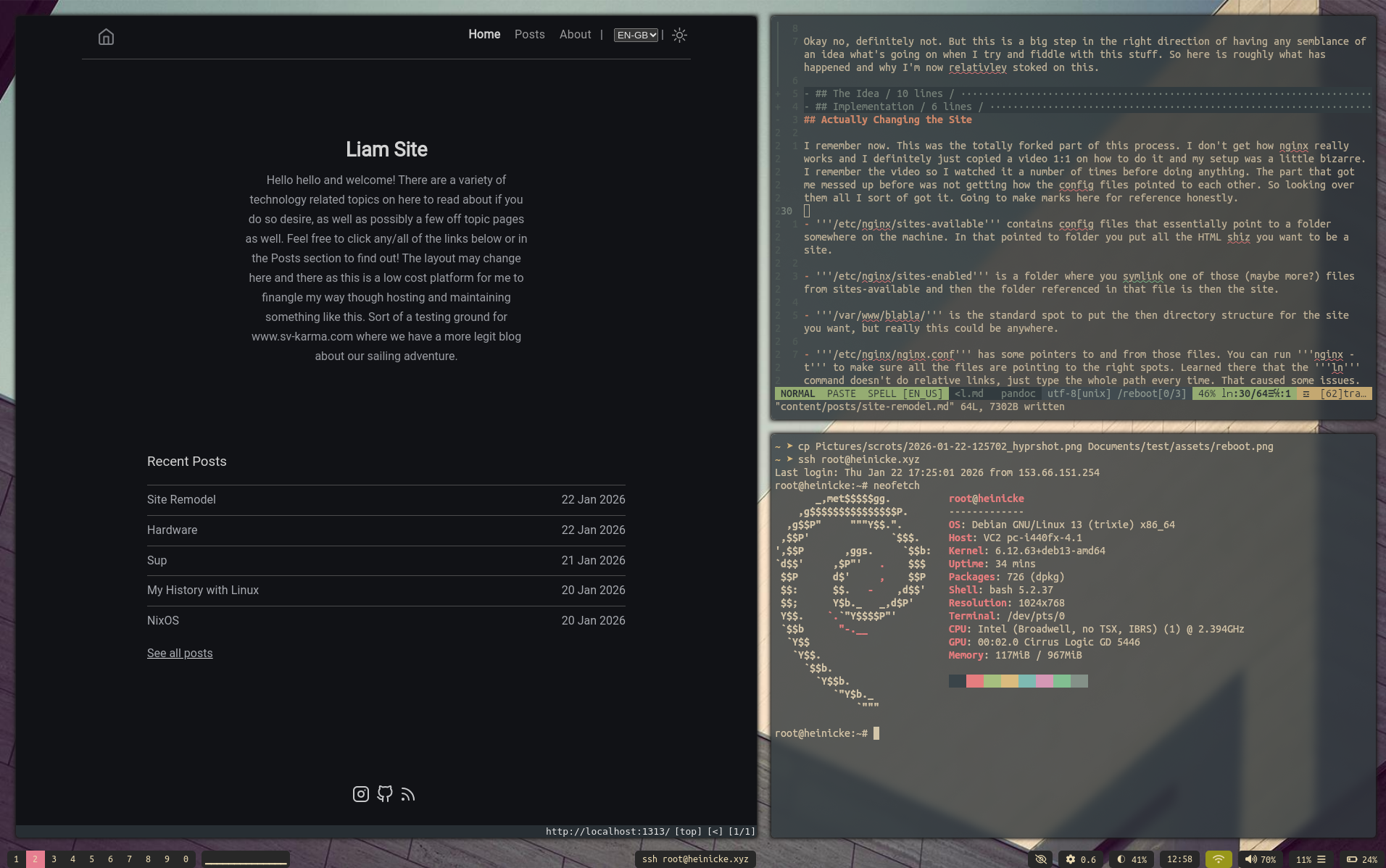
Okay no, definitely not. But this is a big step in the right direction of having any semblance of an idea what’s going on when I try and fiddle with this stuff. So here is roughly what has happened and why I’m now relativley stoked on this.
The Idea
So I’ve had this domain and a super simple HTML site only for a while now. It worked but the issue was it was all done totally manually so it was pretty annoying to keep the pages consistant as if I changed the header on one I had to do it to all of them. Obviously this is a solved problem, just not by me.
That was years ago though. I’ve had a 5 year hiatus from doing or caring about anything technical so clearly now I’ll understand this which I didn’t originally when I have this a shot. Hugo it is. Talked about a lot, easy to use (apparently), lightweight and themeable. I like the sounds of all that but I never got it to work.
Not sure what clicked this time around but doing the local version of the site on my machine actually worked out pretty good. I went though copying and pasting a few different themes before I found one which didn’t have a million dependencies which I don’t know nor care to learn how to setup on NixOS partily because, why, and partly because I’m not sure how that changes the deployment of the site once it’s done. So how Hugo works is it creates a bunch of folders in your main site directory, locally, and you then create pages in the ‘’’/content’’’ directory, put pictures and whatnot in the ‘’’/assets’’’ directory, and be sure to use ‘’’$ hugo new posts/bla.md’’’ as the way you create new articles for example.
The neat thing here is then when you just run ‘’’$ hugo’’’ in the folder it creates auto-magically a bunch of nonsensical HTML documents in the ‘’’/public’’’ folder. Now I get what’s happening here, you make your site in markdown and Hugo, using the layouts described in the ‘’’/themes’’’ folder will make all these HTML only files which are the only things you copy over to the ‘’’/var/www/whatever’’’ directory on the server which are to be served just like the old HTML only site was. DUH. Also, easy. This keeps track of the headers and stuff so the pages all come out the same with links to each other and stuff. Plus, bonus points its all in markdown which means I can copy these all just changing ‘‘‘file.md’’’ to ‘‘‘file.typ’’’ and bam I have a dope Typst document with roughly the same formatting.
Implementation
Ah alright this is where it gets a bit obnoxious. My site has been going for like 8 years now but I haven’t logged in for 4, literally. There are no auto updates or anything, I used SSH with gpl-keys like kool kids do but I’ve long since lost those keys 2 machines ago and can’t even remember the login for the VPS where the server is hosted. Some password resetting later I’m looking at the root console through VULTR’s site wondering how I can ever SSH back into this thing. Also, its now 5 versions of Debian old? The updates don’t even work because the PPAs or whatever they’re called are so out of date they’re not secured anymore.
It takes a bit but turns out you can alter the ‘’’/etc/apt/sources.list’’’ and just keep changing the release name of Debian and then doing ‘‘‘apt update && apt full-upgrade’’’ until it’s updated and all your SSH settings and nginx stuff I don’t remember how to configure have reset because the versions have all changed so much in 5 years. Now to log back in. So somewhere I remember there is a file with your SSH key. Some googling later and I find the file on the server, and I create one on my Thinkpad, then I guess I just sort of manually typed that huge mess of letters in on the opposite machine and tried ‘‘‘ssh root@heinicke.xyz’’’ and it’s worked? Alright sweet that solves that. The rsync commands aren’t too hard I just copied the two main ones into a file I can read later.
Actually Changing the Site
I remember now. This was the totally forked part of this process. I don’t get how nginx really works and I definitely just copied a video 1:1 on how to do it and my setup was a little bizarre. I remember the video so I watched it a number of times before doing anything. The part that got me messed up before was not getting how the config files pointed to each other. So looking over them all I sort of got it. Going to make marks here for reference honestly.
-
‘’’/etc/nginx/sites-available’’’ contains config files that essentially point to a folder somewhere on the machine. In that pointed to folder you put all the HTML shiz you want to be a site.
-
‘’’/etc/nginx/sites-enabled’’’ is a folder where you symlink one of those (maybe more?) files from sites-available and then the folder referenced in that file is then the site.
-
‘’’/var/www/blabla/’’’ is the standard spot to put the then directory structure for the site you want, but really this could be anywhere.
-
‘’’/etc/nginx/nginx.conf’’’ has some pointers to and from those files. You can run ‘‘’nginx -t’’’ to make sure all the files are pointing to the right spots. Learned there that the ‘‘’ln’’’ command doesn’t do relative links, just type the whole path every time. That caused some issues.
Then the next thing is the frikin’ certbot which is what makes the site HTTPS and not from the 90s where a normal browser doesn’t let you go there. This is sweet but the issue here is when you make big directory changes to your site certbot then starts acting up as it hasn’t secured what you’ve now linked as the site. There is then a loop you can get into where you can’t reload or restart nginx to figure out if there are any issues because it could be certbot. So I also discovered there is
- ‘’’/etc/letsencrypt/…’’’ where certbot stuff is stored.
I’m not entirely sure on the order of things here, but this is how I changed the site over successfully finally.
- Made a functional site locally on my machine, typed hugo in the folder so it makes my site into the ‘’’/public’’’ folder where I now know that’s everything I copy to the server
- Logged in and updated server sort of, whatever it works and I can access it easily now
- Rsync’d the ‘’’/public’’’ folder from my local site to a new directory on the server
- Copied the default thing in sites-available and gave it a new name
- Deleted everything out of sites-enabled because I think I know now that most of that isn’t working and just something happened to work at some point so I stopped touching it
- Did a full path ‘‘’ln -s /etc/nginx/sites-available/site_new /etc/nginx/sites-enabled/’’’
- Got some errors
- Found the ‘‘’nginx -t’’’ thing and fixed those
- Tried to reload nginx to see if the new site came up and got ‘‘’exit-code’’’ as an error
- Deleted the entire ‘’’/etc/letsencrypt’’’ folder and reran certbot a number of times
- Some combo of this had the certbot thing just work like it did originally? I was getting excited this’d be the time it works
- Reloaded nginx with the same error, drats
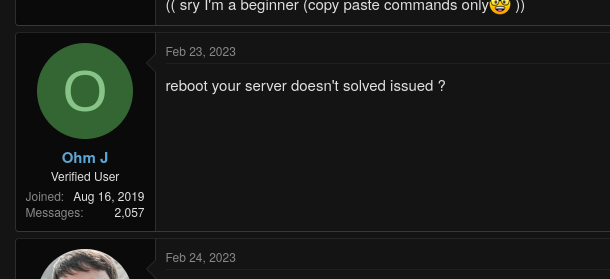
- Came across comment in very complicated admin thread, “does rebooting not work?”
- Post reboot it works, with SSL and HTTPS, and the new site is up….
Conclusion
Alright so…. I’m a Linux admin now I guess.